
Privacy limit
Who Can See My Instagram Story? Audience Guide
Who can view your Instagram story depends on account type: public, private, Close Friends, and blocked accounts all change the audience.
Anonystory Editorial Desk ·
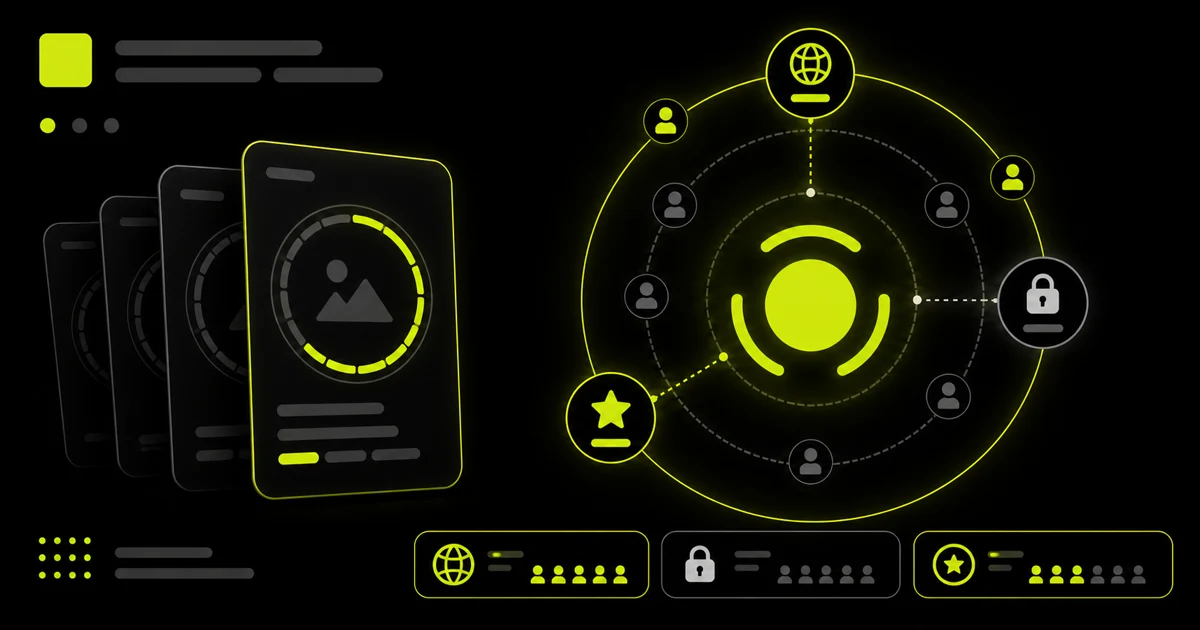
Who can see your Instagram story depends on the audience selected when you publish: everyone allowed by a public account, approved followers of a private account, a Close Friends list, or a custom audience after hiding the story from specific people. Blocking also removes access between the affected accounts.
Who can see a public account’s story?
A public account can make stories available beyond approved followers, subject to Instagram’s distribution and the account’s story settings. Public availability is why a no-login viewer can retrieve some active stories without connecting an Instagram account.
Public does not mean permanent. Stories expire, can be deleted, and can be hidden from selected users.
Who can see a private account’s story?
Private account content is limited to approved followers. Meta documents the Private account setting under Account Privacy. A viewer outside the approved audience cannot legitimately bypass that control.
Some profile details remain public, but a public username or profile photo does not make private stories public.
How does Close Friends change the audience?
Close Friends creates a selected audience for an individual story. Meta provides a dedicated control to share a story with your Close Friends list. People outside that selected list cannot access the story merely because the account itself is public.
What do hiding and blocking do?
Hiding a story excludes selected accounts from that story audience without necessarily blocking the whole profile. Blocking restricts the account relationship more broadly. These controls are managed by the publisher; an external viewer should respect them.
| Account/story state | Typical eligible audience |
|---|---|
| Public story | Public audience, minus exclusions |
| Private story | Approved followers, minus exclusions |
| Close Friends story | Selected Close Friends accounts |
| Hidden from a person | Everyone otherwise eligible except that person |
| Blocked account | No normal access between the accounts |
How can you check your own audience?
Review Account Privacy, story audience, Close Friends, hidden-story, mention, and resharing settings before publishing. Do not assume the account-level public/private switch is the only control.
For the green audience indicator, see what the Instagram green ring means. To inspect available media from a public profile without login, use Anonystory.
Can people view a public story from the web?
Meta states that when an Instagram account is public, people can view its profile and posts on the web; private-account posts are limited to approved followers who are logged in. See Meta’s guide to who can see an Instagram profile and photos on the web.
Stories remain temporary and can have additional audience exclusions, but the account’s public/private state is the first boundary. If you do not want a story broadly available, do not rely on the assumption that only current followers will find it.
Does mentioning someone expand the audience?
A mention makes the mentioned username visible within the story and can send that account a DM or message request. It does not automatically make a private story public. The person must still be eligible to see the story under the audience settings. Meta explains the notification and visibility behavior in what happens when someone mentions you in a story.
Mentions can make redistribution easier because the recipient may be able to reshare the story when the creator allows it. Review both audience and sharing controls when the content is sensitive.
For the creator-side evidence, read who shared or reposted an Instagram story. A visible mention can be confirmed, but private forwards and off-platform copies do not produce a complete named list.
What should you audit before publishing?
- Confirm whether the account is public or private.
- Choose Your Story or Close Friends intentionally.
- Review the “Hide story from” list for specific exclusions.
- Check whether replies, mentions, and resharing match your goal.
- Remove location, workplace, school, travel, or home details that should not reach the selected audience.
- Assume any eligible viewer can capture what appears on their screen.
Audience controls reduce access; they cannot guarantee that an authorized viewer will never copy or describe the content elsewhere.
Frequently asked questions
Can non-followers see a public story? They may be able to when the story is public and they are not otherwise excluded.
Can an anonymous viewer see Close Friends stories? No. Close Friends content is not part of the public audience.
Does making my account private hide my username and profile photo? No. Meta states that some basic profile information remains public.
Anonystory only handles publicly available content and is not affiliated with Instagram or Meta.